Always there
One move away.
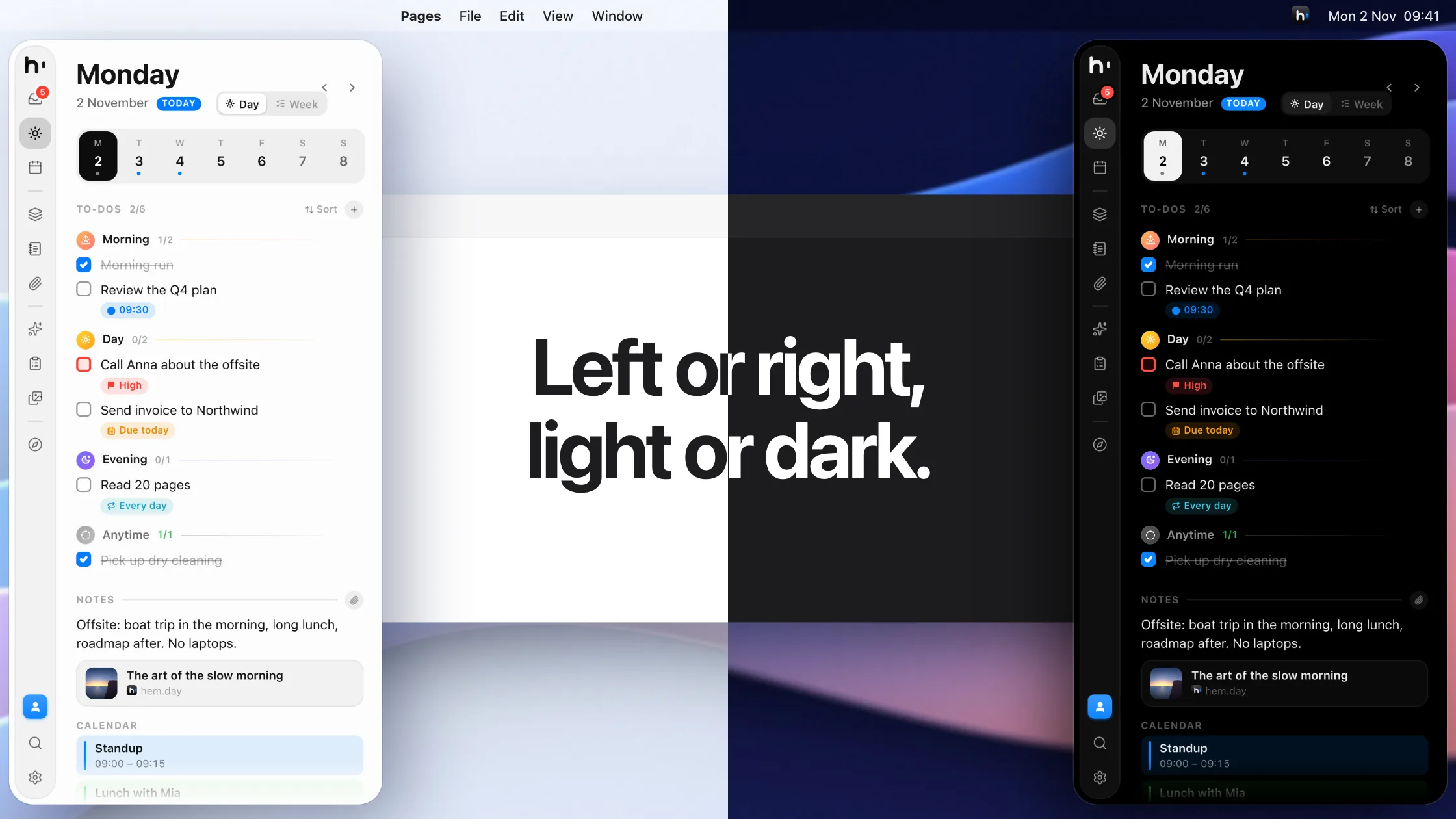
Push your pointer against the edge of the screen, or press ⇧⌘Space. Hem slides out over any app, then tucks itself away.

Hem for Mac
Hem is a planner that lives at the edge of your screen. To-dos, notes, calendar and projects, one move away and never in the way.
Free for 3 days · macOS 15 Sequoia or later · No account needed
Hem keeps your to-dos, notes, calendar and projects in one slim panel, ready the moment you need it.
Inside Hem
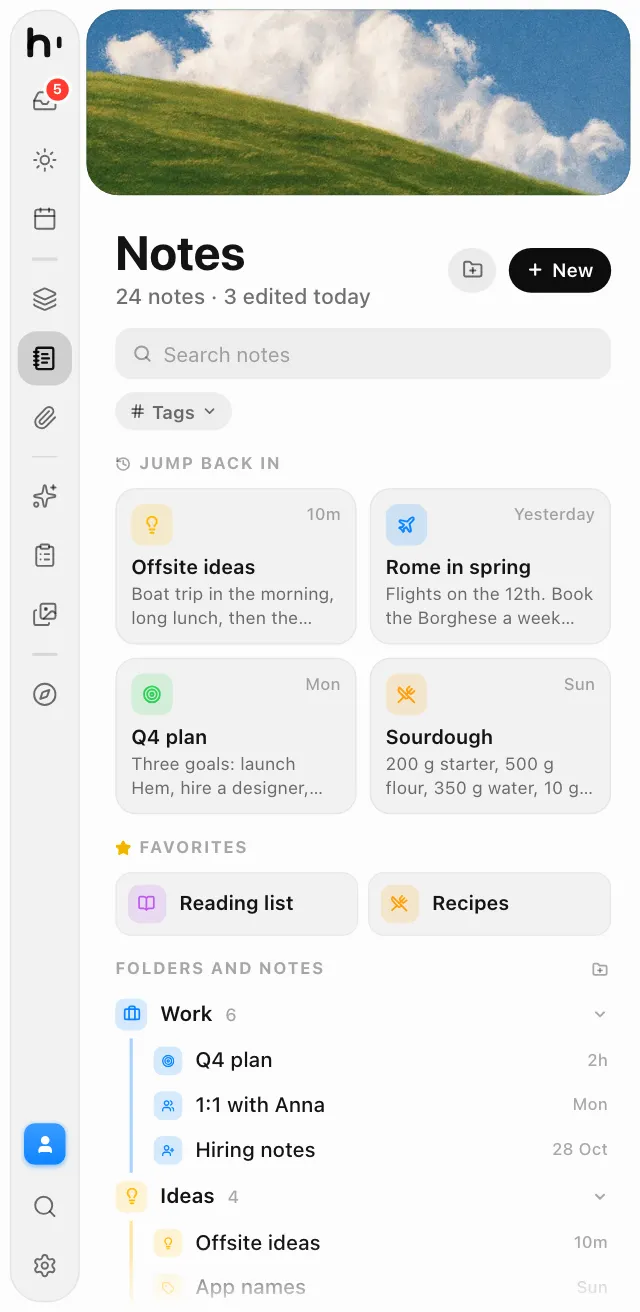
Notes, files, your calendar and even a browser live in the same slim panel, each one built to fit it and one shortcut away.
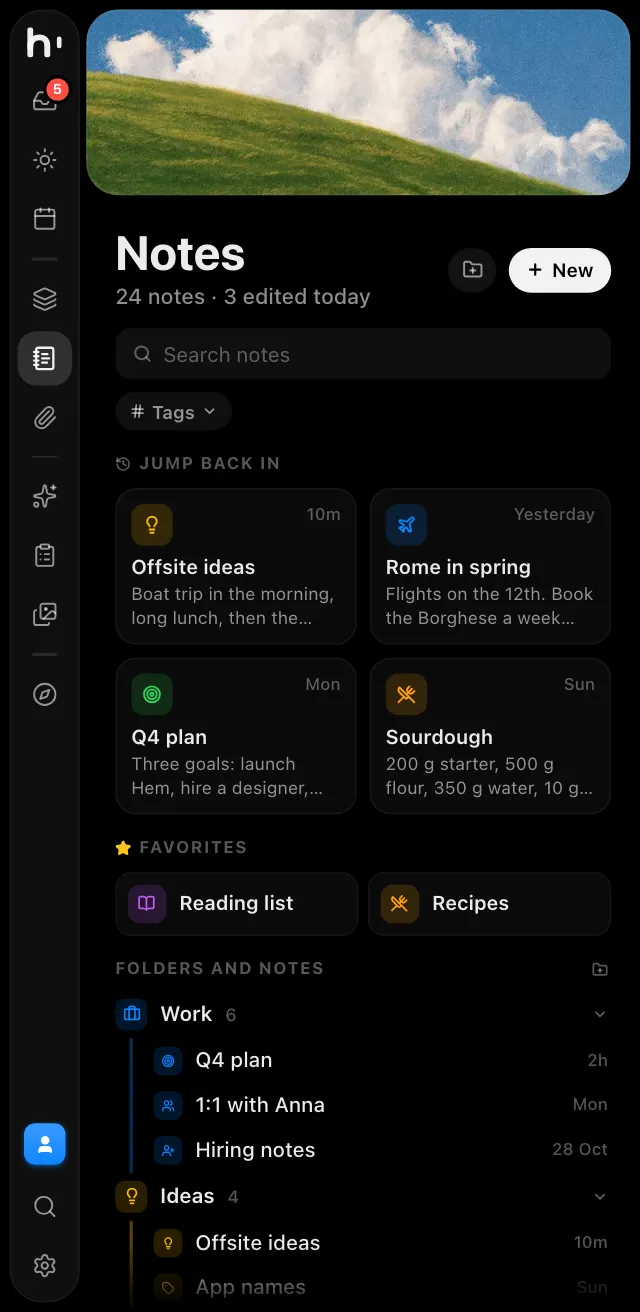
Notes ⌘5
Pages hold other pages, link to each other and pick an icon that fits their title.
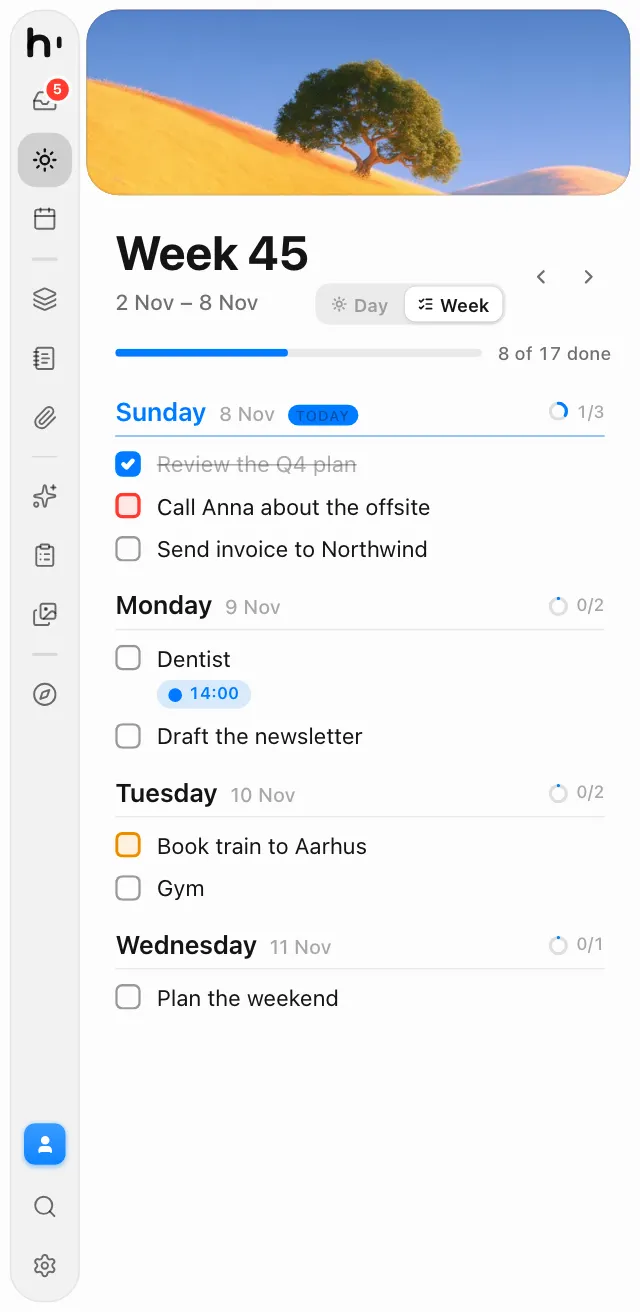
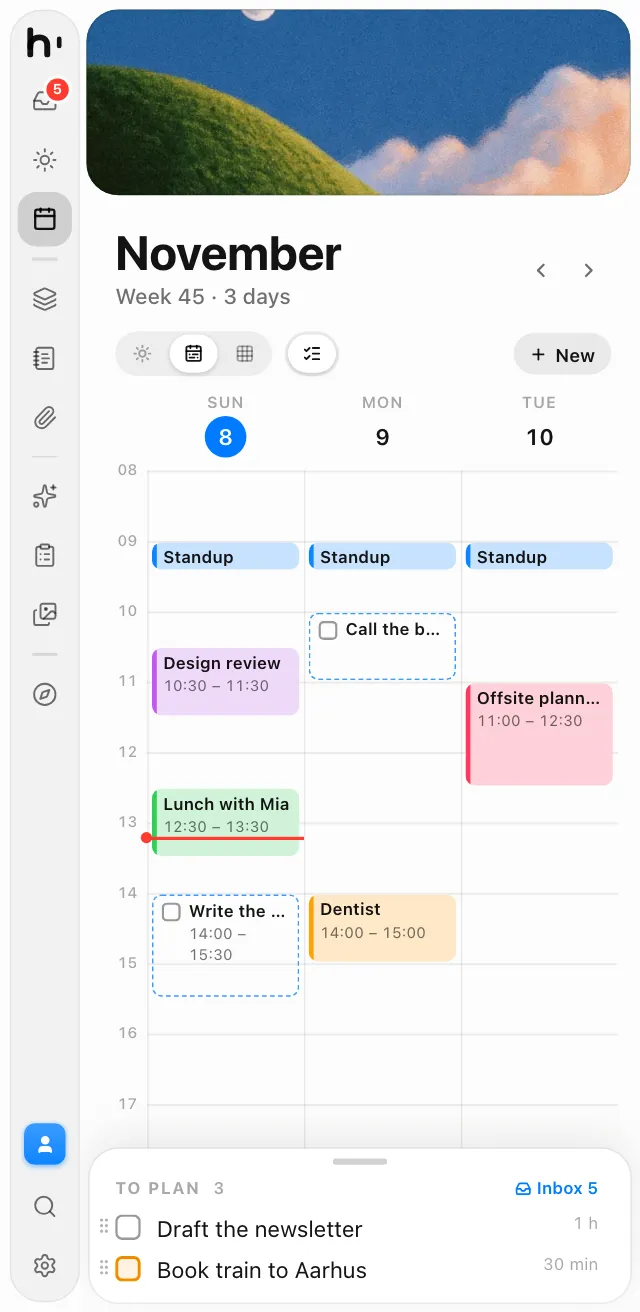
Planner ⌘2
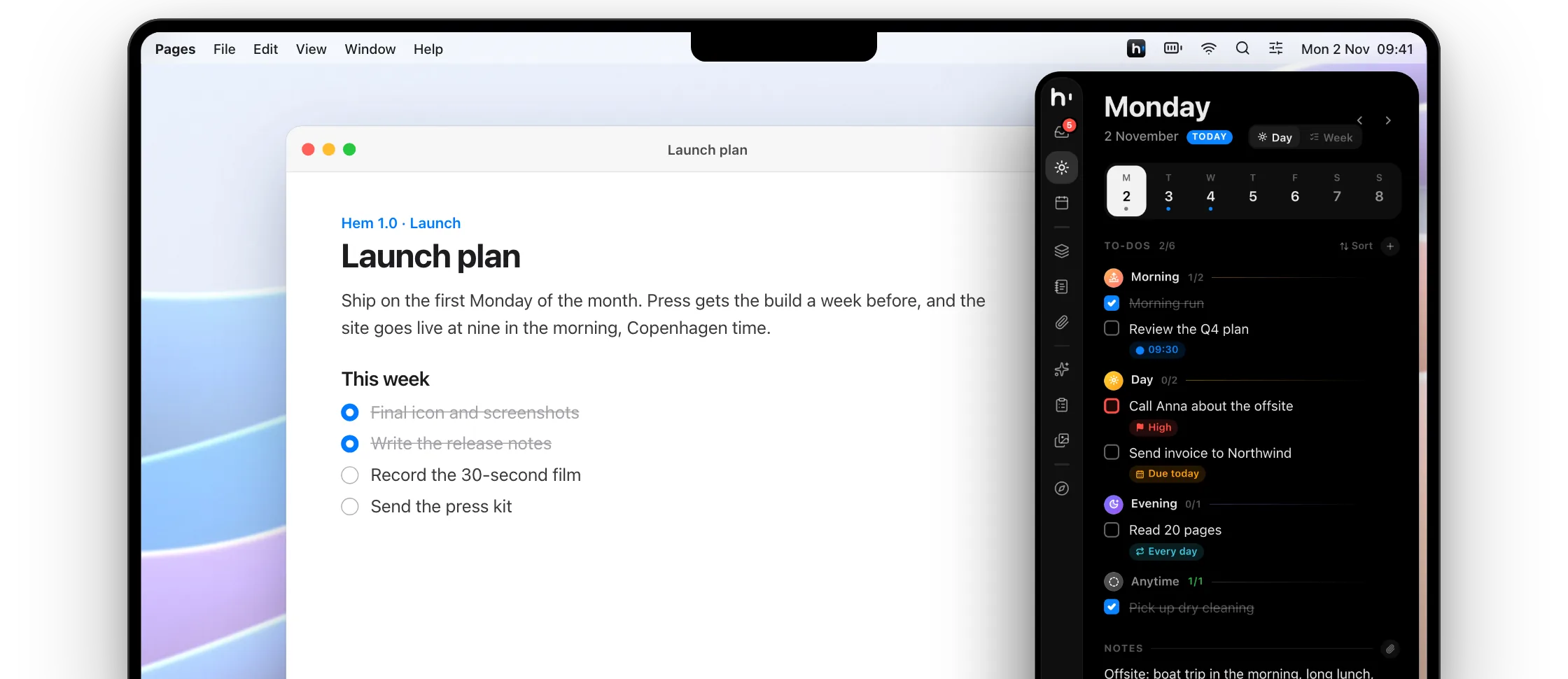
Press ⌘2 again to flip a day into its week, then drag to-dos between days.

⌘K
Any to-do, page, file or prompt, and actions too.
One word links pages, projects, files and screenshots.
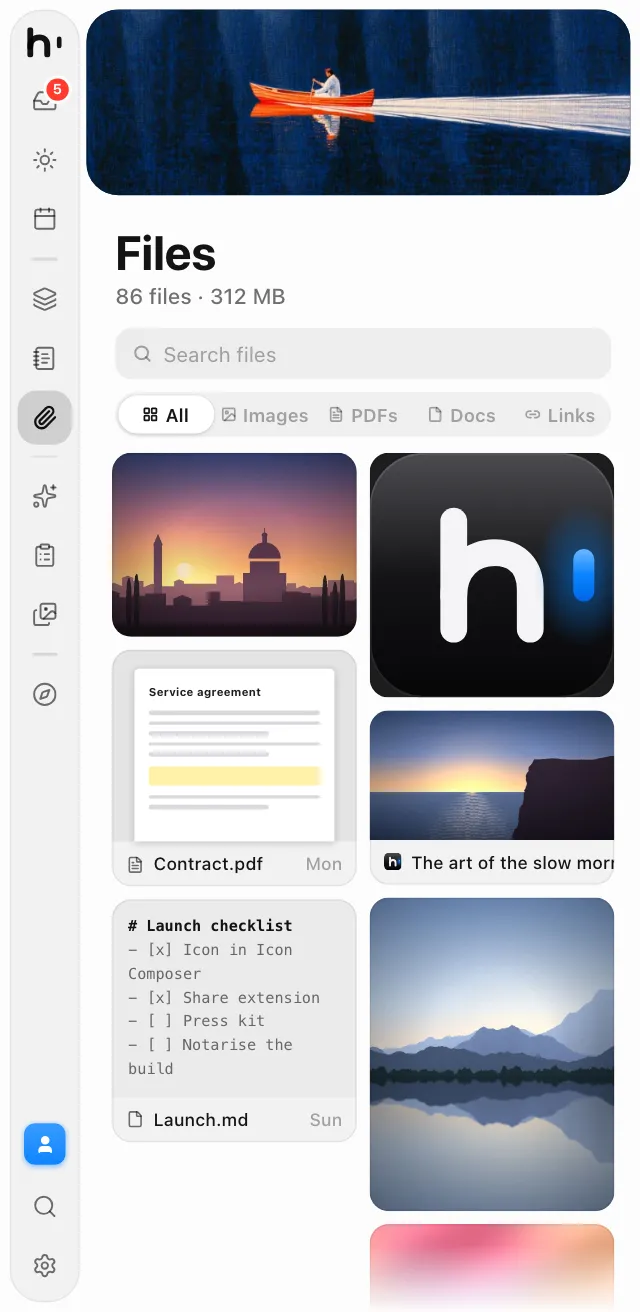
Files ⌘6
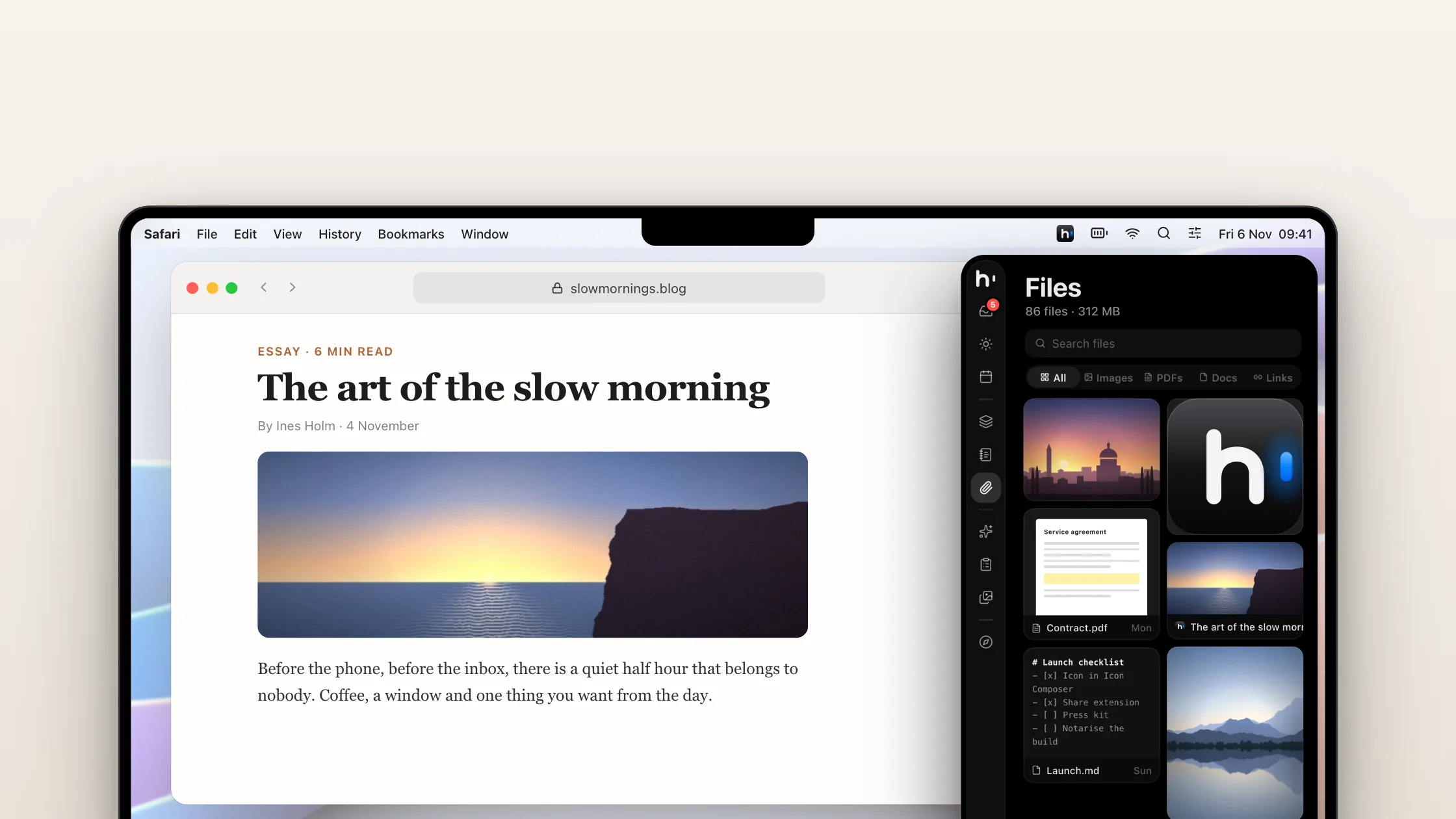
Pictures, PDFs and links from anywhere, in one grid.

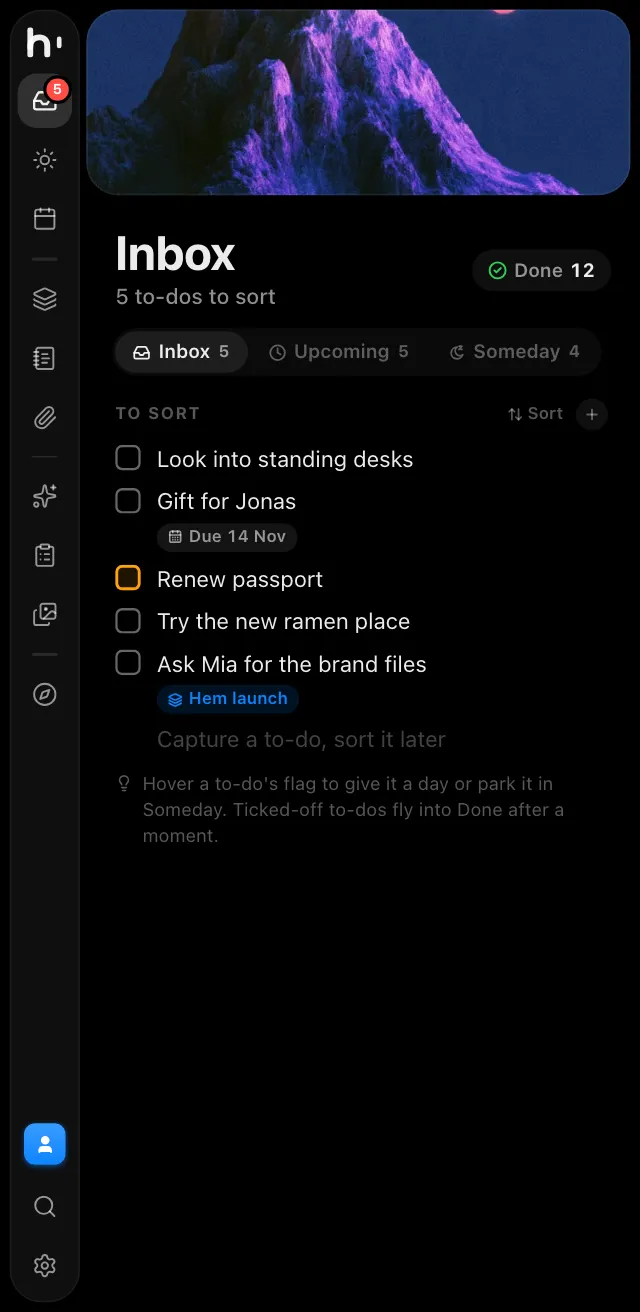
Inbox ⌘1
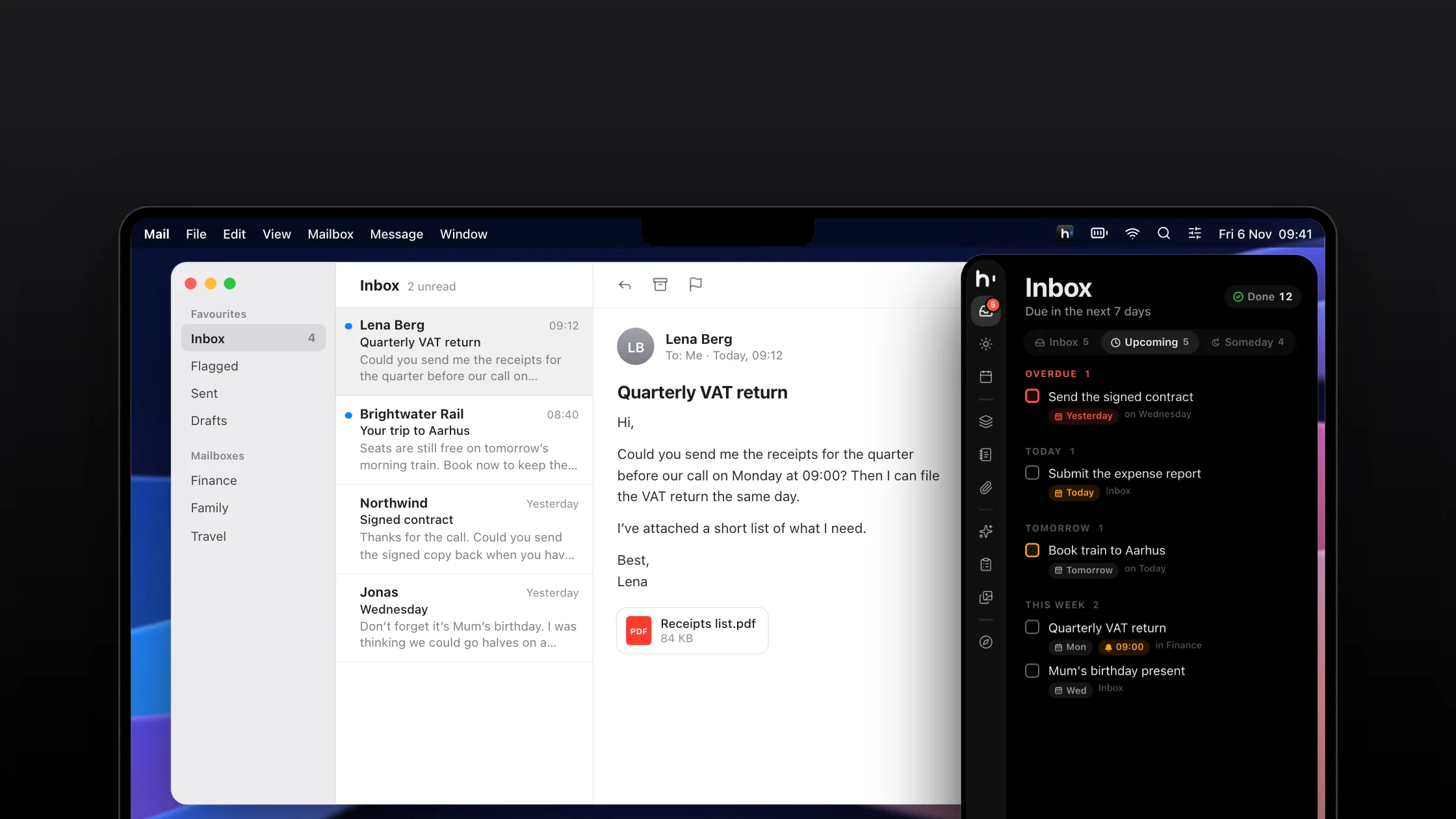
Capture now, then give each to-do a day, a project or Someday.

Calendar ⌘3
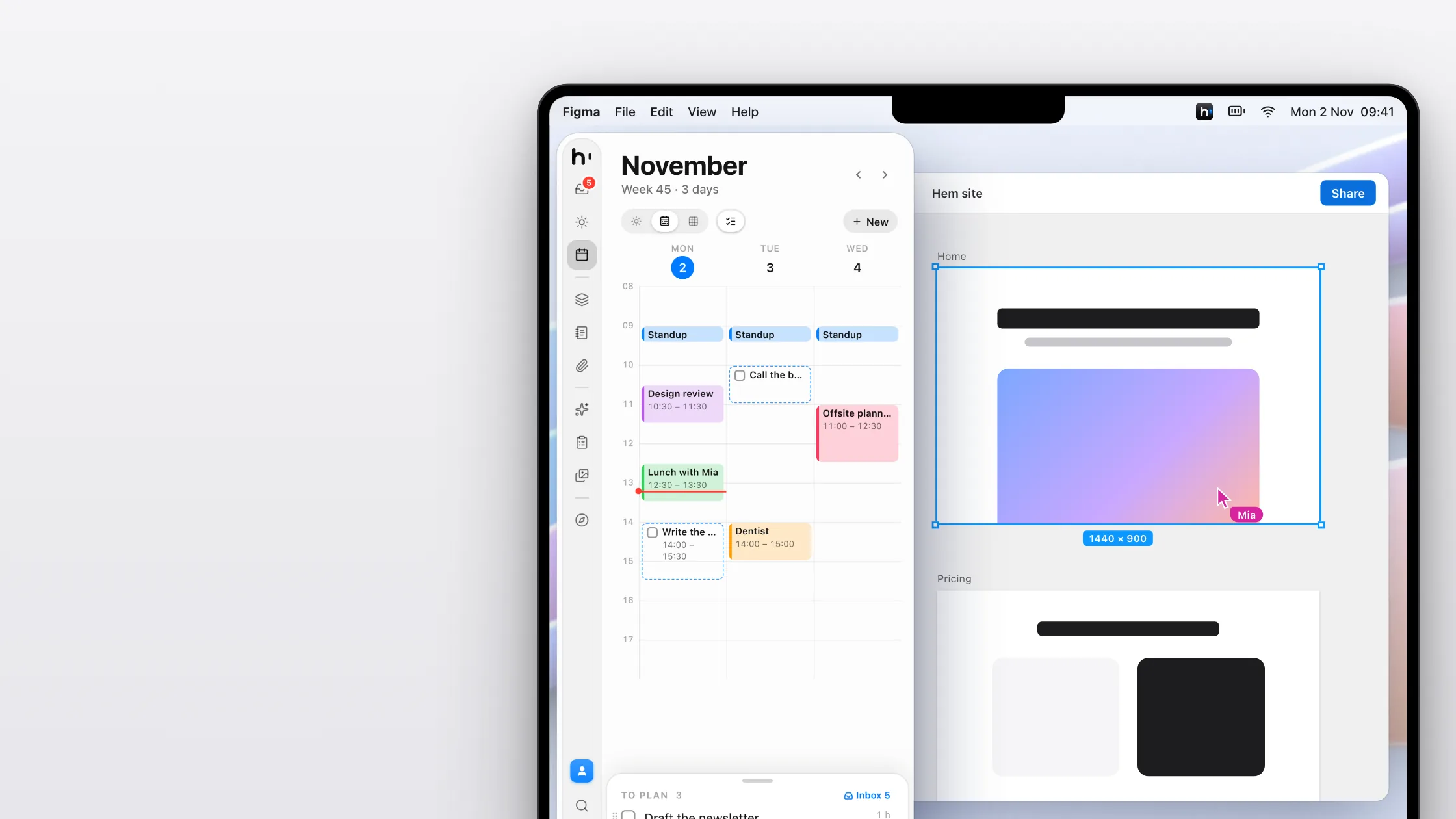
iCloud, Google and Exchange, in a day, week or month view.

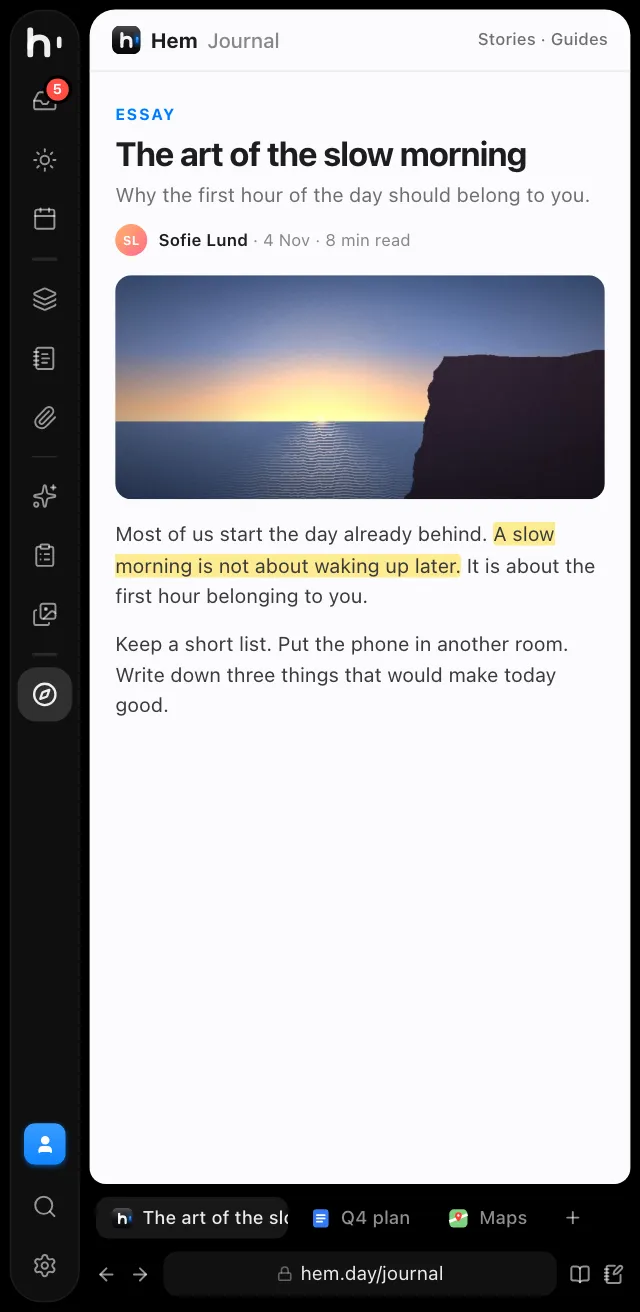
Browser ⌘0
Tabs and bookmarks for looking things up without leaving your work.

Tools, built in
A clipboard history, screenshots with Beautify, an image converter and a shelf for files. Each one is off until you turn it on, and when it's off, it's gone.
Clipboard
Press ⌘B in any app and Hem comes out on your clipboard history: text, links, pictures, files and colours, parted into days. Pick one and press Return to paste it where you were.
⌘B from any app

Screenshots
Take an area, a window, the text in it or the whole screen. A preview comes out of the edge, and Beautify puts the shot on a background with padding, a shadow and a tilt, ready to paste.
⇧⌘4 for an area
Converter
Drop pictures, a folder or a .zip. Pick a template like Website or Social post, or set the format, quality and size yourself, and Hem converts them all at once, right on your Mac.
⌘9 in Hem
Edge shelf
Drag files toward the bottom of the screen edge and a black shelf grows out to hold them. Switch apps and Spaces with your hands free, then drag them out where they belong.
Drag toward the edge

Turn each tool on in Settings. A tool that's off takes no shortcuts, watches nothing and holds nothing in memory, and what you kept waits for you.
Ten modules, one panel
The panel is slim, so every module is built to fit it. Pick one to see it, or use the icons in the sidebar, just like in the app.
Plan a day, or see the whole week in one scrolling list. Switch between the two in the header.


Drag a to-do and drop boxes rise: Today, Tomorrow, Next week or Inbox.
⌘[ and ⌘] move through pages, just like in a browser.
Everyone in your life and what's going on with them. Optional.
⌥⇧P pastes a prompt, with its files, into the app in front.
Tag a note or @today in a prompt and Hem adds its latest version.
Plan a to-do into the first slot that skips your meetings.
Jot it down on the go, then keep it as a page or add it to one.
Streaks, a 14-day chart and how much you wrote, all on your Mac.
Built for AI
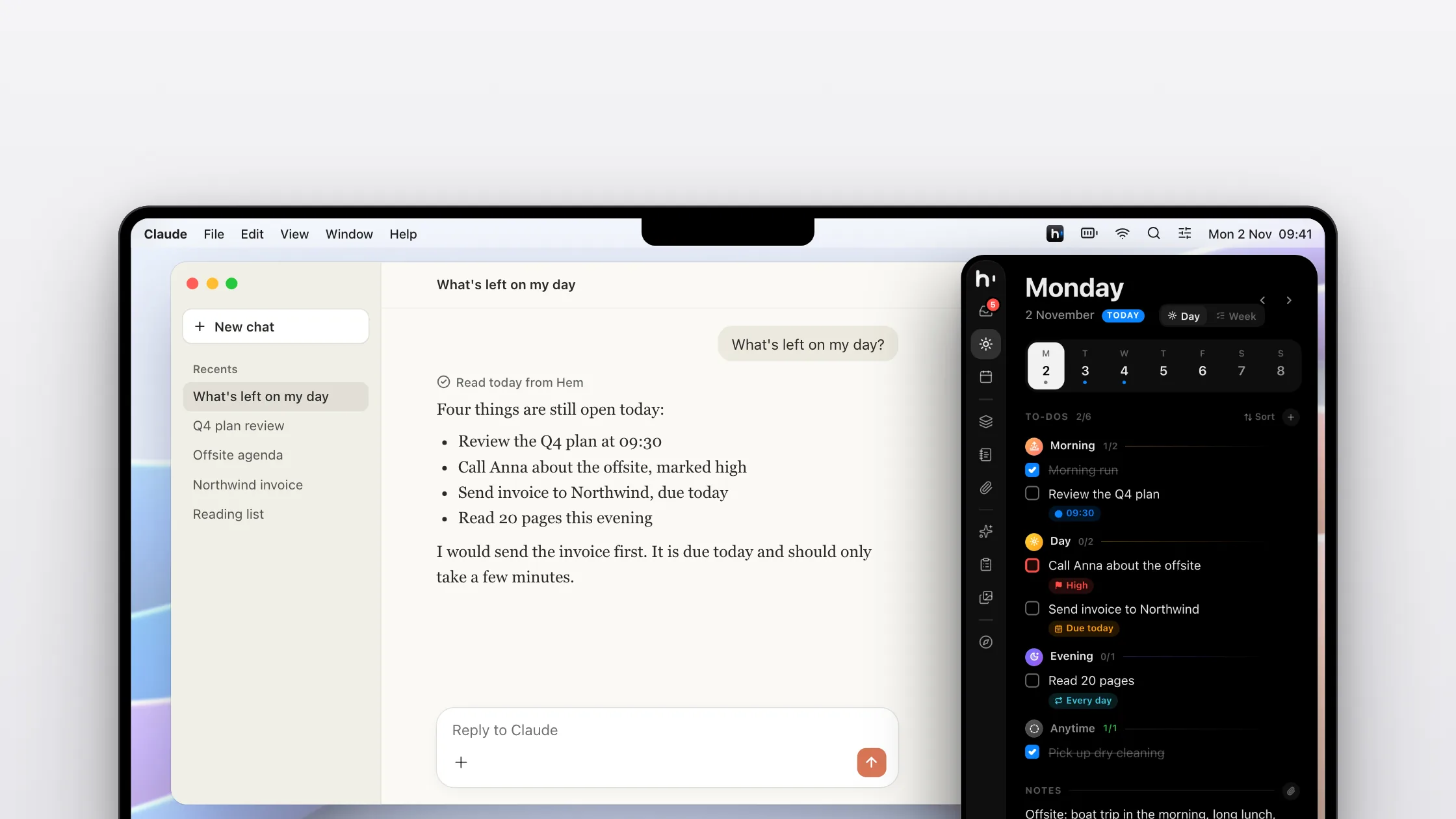
Ask Claude, Cursor or Codex to sort out your day, and watch it happen in Hem. Your AI apps can read and plan your to-dos, notes and projects, only as far as you allow.
Off, read only, or read and write. Every change an agent makes is logged.
84 tools over MCP, set up in one line.
Install a skill in Claude Code with one click. Memory tells every agent who you are and what you decided.
Private by design
Hem is a native Mac app. It is fast, it works offline, and your plans stay on your computer. Sync through your own iCloud if you like, never through us.
Everything you write stays on your Mac, as plain files you can open and read.
Keep Hem the same on all your Macs through your own iCloud account. Hem works fully without it.
A backup every day, the last 14 kept. Export any day, note or prompt as Markdown or PDF.
Auto, Light, Dark sidebar or Dark, on the left or the right of your screen.
Made for macOS 26, with soft taps on a Force Touch trackpad.
⌘1 to ⌘0 jump between modules, and ⌥⇧Space captures from any app.
Next to the apps you use
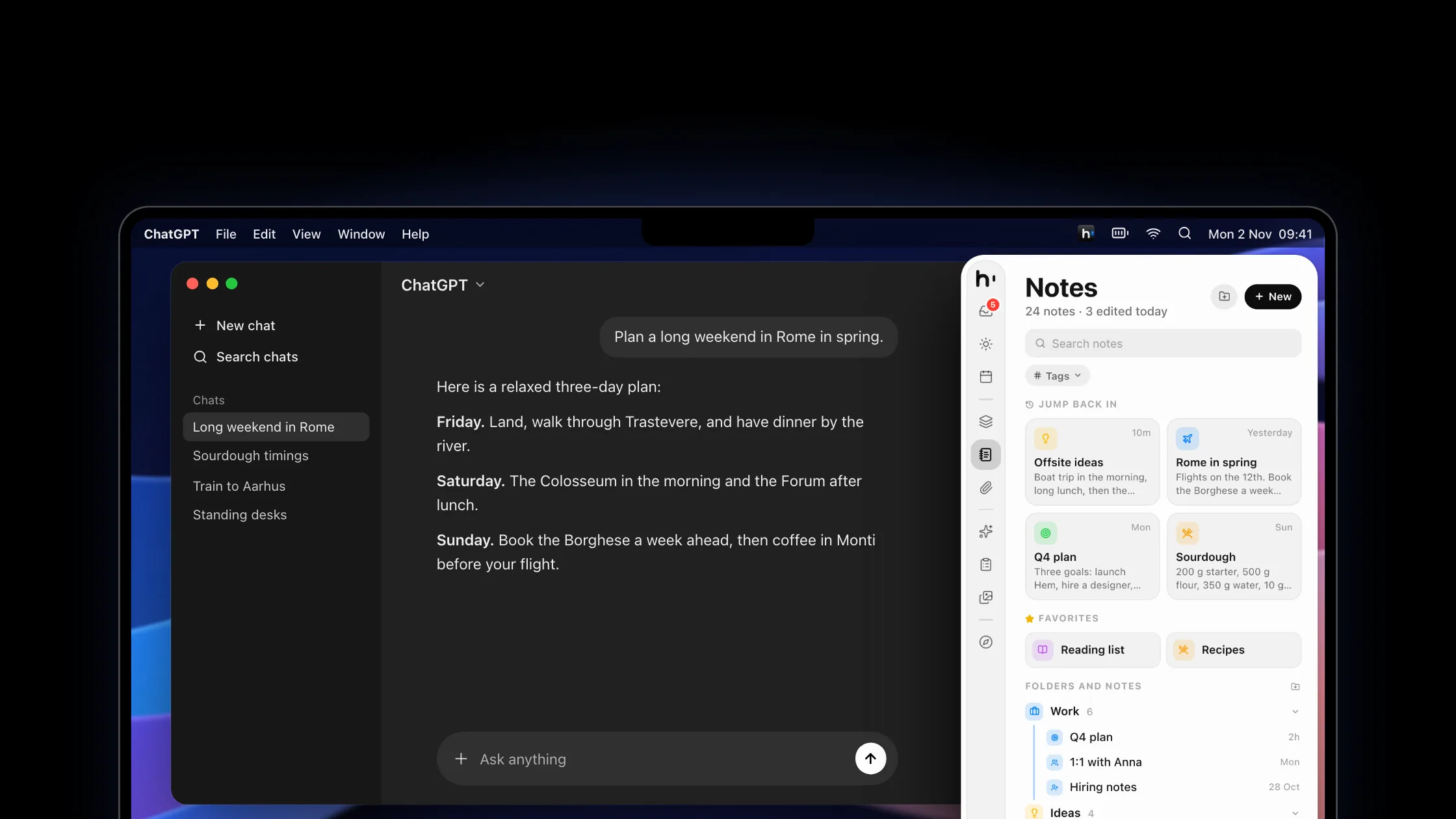
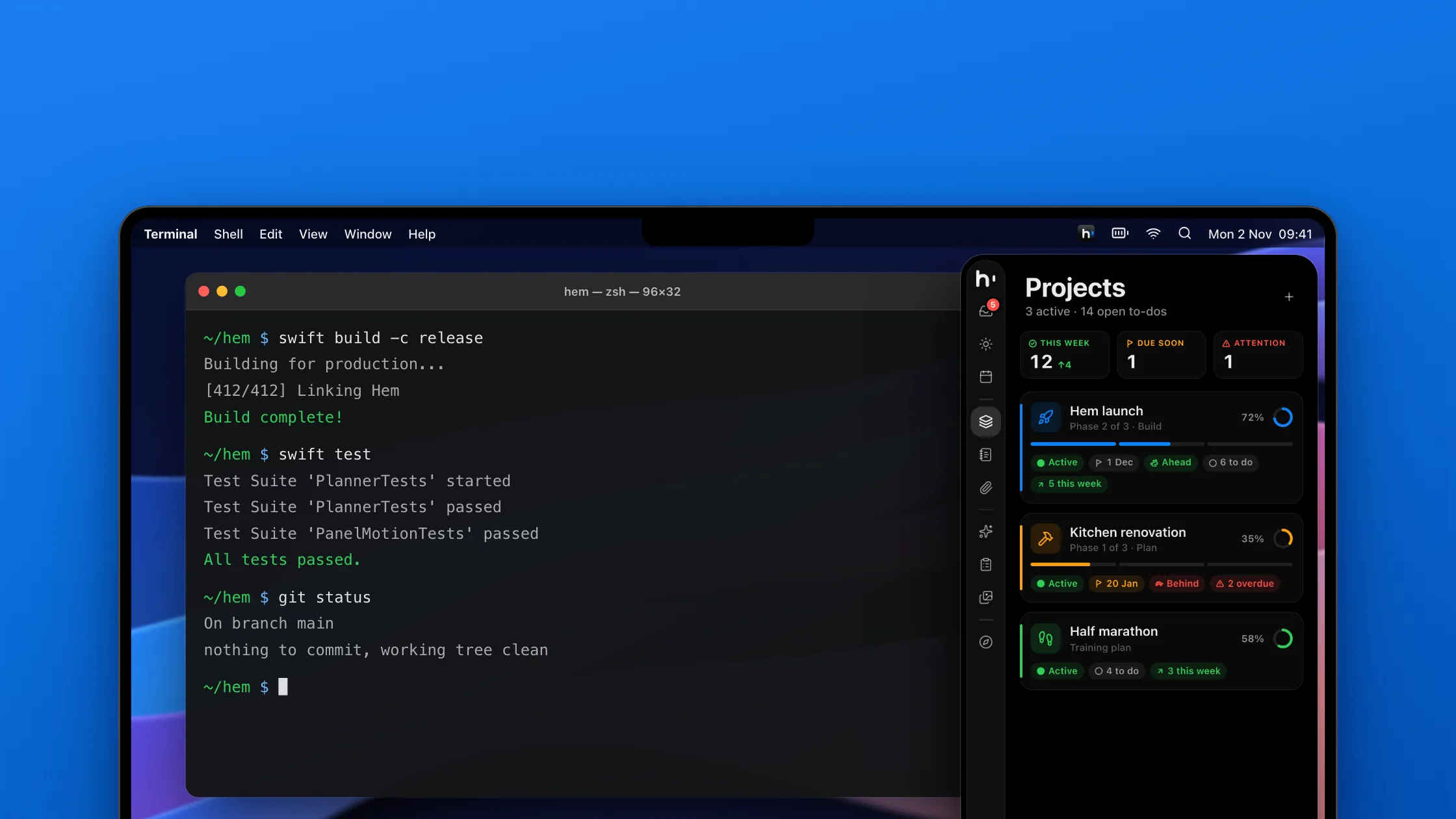
Hem sits beside your AI chats, your code, your designs and your email. Your to-dos, notes and calendar are one move away, whatever is open.
Pricing
No subscription, no account and no tiers. One price for everything Hem does.
One-time purchase, plus local tax
0 bought at $29 Then $39
No account needed · Your notes stay on your Mac
Yes. You pay once and Hem is yours to keep. Every Hem 1.x update is included. If there is ever a Hem 2, owners will get a fair upgrade price, and Hem 1 keeps working either way.
Yes. Download Hem and use every feature free for 3 days. No account and no card. If you buy, everything you wrote stays where it is.
On your Mac, as readable files in your Library folder. There is no Hem account and no Hem server. If you use more than one Mac, you can turn on iCloud sync, which goes through your own iCloud account. Hem works fully without it. Hem also makes a backup every day, to any folder you like.
Hem uses the calendars already set up on your Mac, so iCloud, Google and Exchange all work. Events you add or move in Hem show up everywhere else, and to-dos you plan into the calendar stay in Hem.
No. Hem keeps the corners on its side, and a little of the edge next to them, free by default, so hot corners and the Dock behave exactly as before.
No. Clipboard, Screenshots, Converter and the edge shelf are each off until you turn them on in Settings. A tool that's off takes no shortcuts, watches nothing and holds nothing in memory. What it kept stays on your Mac, and it picks up where it left off when you turn it back on.
It lets AI apps like Claude, Claude Code, Cursor and Codex read and plan your day with you: to-dos, notes, projects, prompts, skills and memory. You choose the access: off, read only, or read and write. It only listens on your own Mac, never on the network, and keeps a log of every change an agent makes.
Any Mac with macOS 15 Sequoia or later. On macOS 26 Hem uses Liquid Glass, and on a Force Touch trackpad you will feel soft haptic taps.
It’s on its way. Hem for iPhone is coming soon, and it comes with your Mac purchase at no extra cost.
The first 100 people to buy Hem pay $29 instead of $39. The counter above shows how many spots are left. After that, Hem costs $39, and launch buyers keep everything they got.
Try Hem free for 3 days first, so you know it fits before you pay. Because you get Hem straight away, the EU's 14-day right to cancel ends once the download starts, and the checkout asks you to agree to that. If Hem doesn't work as it should, write to us and we'll fix it, or give you your money back if we can't.